01
Low fidelity
Clickable wireframes that answer structural questions: is the flow in the right order, is anything missing?
Clickable, testable versions of your idea — so the expensive decisions get made before anyone writes code.
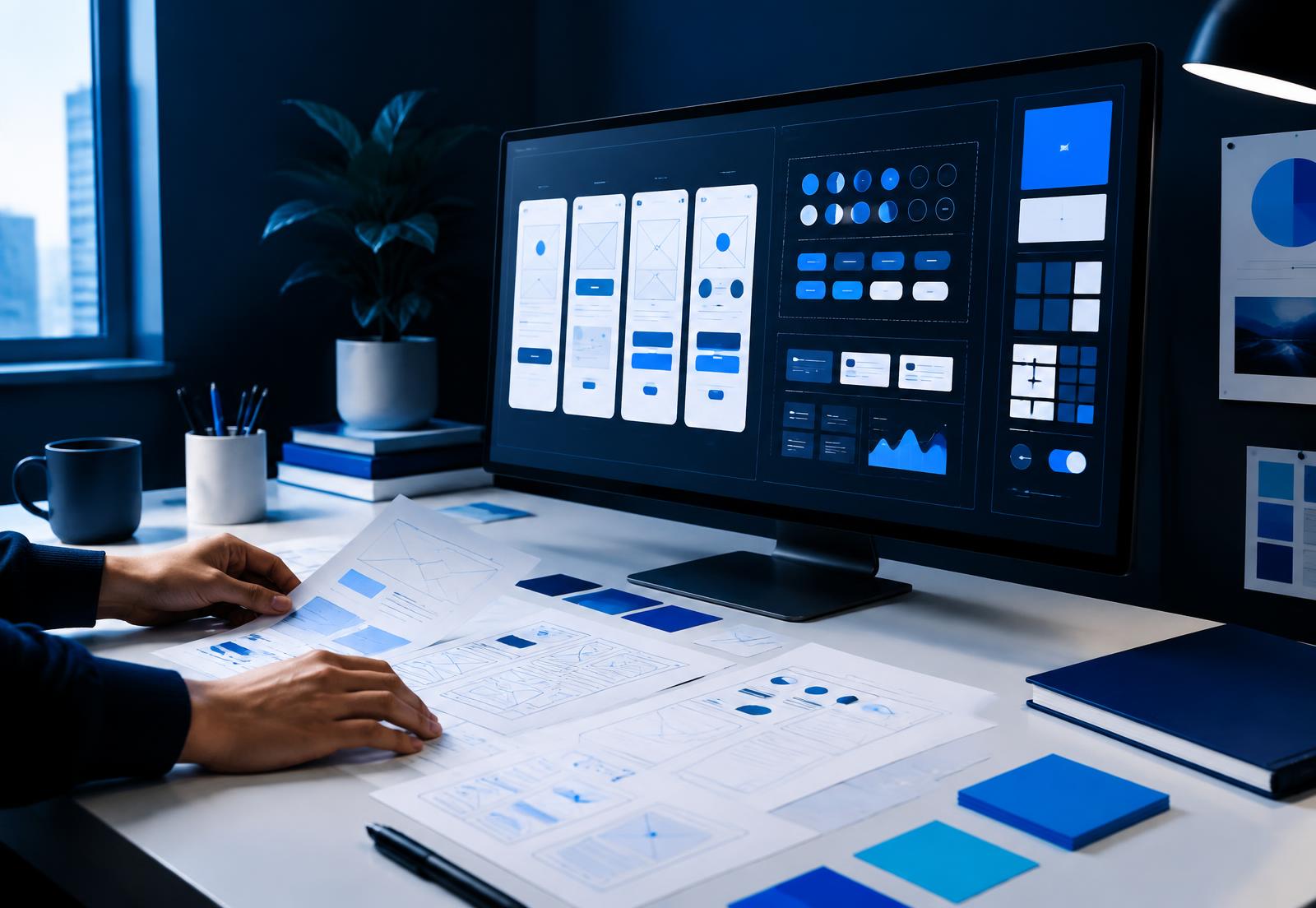
Research → frame → prototype → validate
Prototyping is the practice of building an interactive, simulated version of a product before it is engineered, so that flows and interactions can be experienced and tested rather than imagined. Prototypes range from low-fidelity clickable wireframes used to check structure, to high-fidelity prototypes with real content, animation and conditional logic that are almost indistinguishable from the finished product. Their purpose is to surface problems and settle disagreements while changing direction still costs hours instead of sprints.
Fidelity
Clickable wireframes that answer structural questions: is the flow in the right order, is anything missing?
Real layout and content without final visual polish — ideal for usability testing without aesthetic distraction.
Production-grade visuals, motion and conditional logic for stakeholder sign-off, user testing and investor demos.
Use cases
Usability testing with real users before a single component is built
Stakeholder alignment — people argue less about something they can click
Engineering estimation from a concrete artefact instead of a description
Investor and sales demos ahead of a shipped product
Interaction and motion specification handed directly to developers
A/B comparison of two approaches tested against the same tasks
Continue exploring
Research-led user journeys and clear interfaces for web and mobile products.
EXPLORE / 02End-to-end design of digital products, from concept to shipped interface.
EXPLORE / 03Evidence about your users before you spend a sprint guessing.
EXPLORE / 04Interfaces, states and micro-interactions that feel considered.
EXPLORE / 05Animation and motion that explains, guides and delights.
EXPLORE / 06Brand, identity and visual assets across every channel.
Useful answers
A UX prototype is an interactive simulation of a product used to test flows and interactions before development, ranging from clickable wireframes to high-fidelity prototypes with real content and logic.
A wireframe shows structure, a mockup shows the finished visual design as a static image, and a prototype connects screens so the experience can be used and tested.
Figma for the large majority of work, with Rive, Lottie or After Effects where motion fidelity matters, and coded prototypes when an interaction genuinely can't be faked.
A testable low-fidelity prototype of a single flow can be ready within days. High-fidelity prototypes of a complete product typically take two to three weeks.
Yes — that's usually the point. Mid-fidelity prototypes work particularly well because users focus on the flow rather than commenting on colours.
Next signal
Tell us what you are building and where quality or design is slowing you down.
Start a conversation